From your seats to your whole season.
Create your account.
Start with a free account. Open Season Tickets Manager and sign in with Google to get started. If you already have an account, use the same sign-in to return to your season.
Open Season Tickets Manager ↗Put your membership in place.
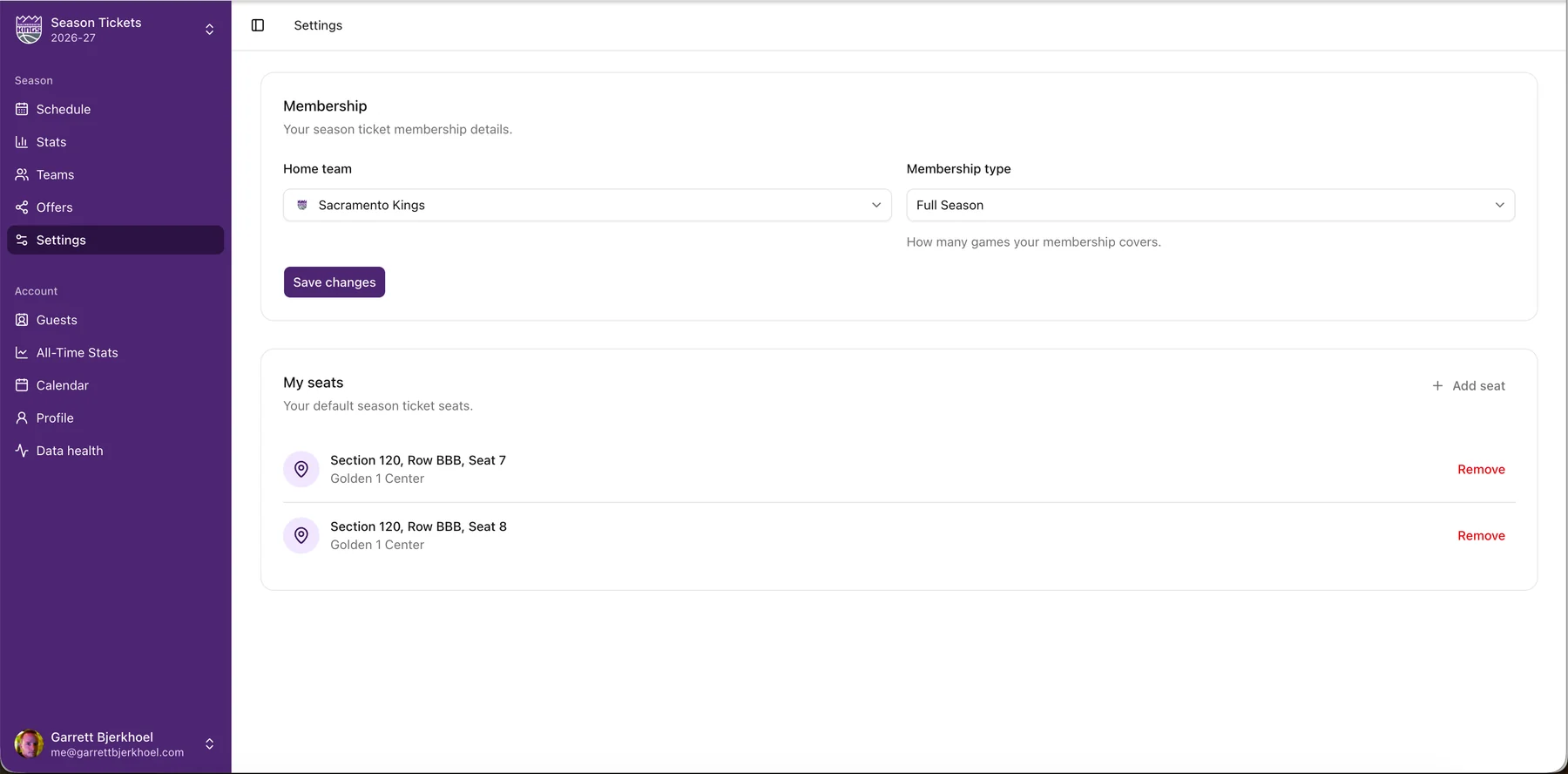
Choose your team and membership type, then add your section, row, and seats. These are the details you’ll use as you plan the games in your season.
Make a plan for the games.
Review your schedule, decide which games you’ll attend, and add guests to your seats. Keep notes and costs with each game, and use ticket status to see what still needs a decision.
The free plan also includes a calendar subscription. Subscribe to your season’s calendar feed in Apple Calendar, Google Calendar, or Outlook to keep game times alongside the rest of your day.
About calendar subscriptions →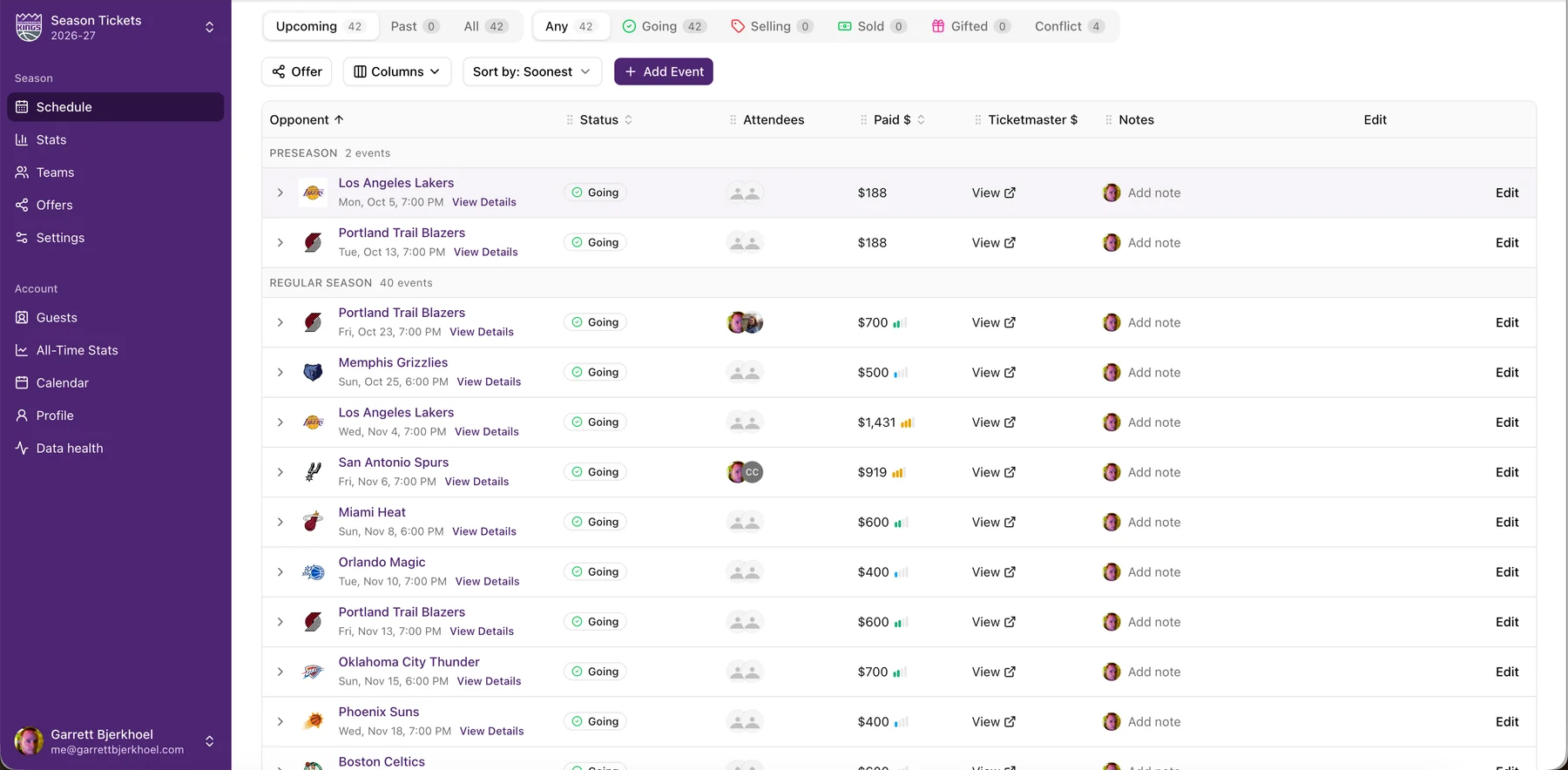
Make room for your people.
On the free plan, record who’s going with you for each game. If you want to offer someone a choice of games, the paid plan adds personal offers: choose gifting or selling and send your guest the link. They make their pick; you approve it.